
Previous provider transition: Edenred
To move your account from Edenred to Alice, add a read-only administrator user in the Edenred+ employer portal so we can pull your historical data.
Add a read-only administrator in Edenred+
-
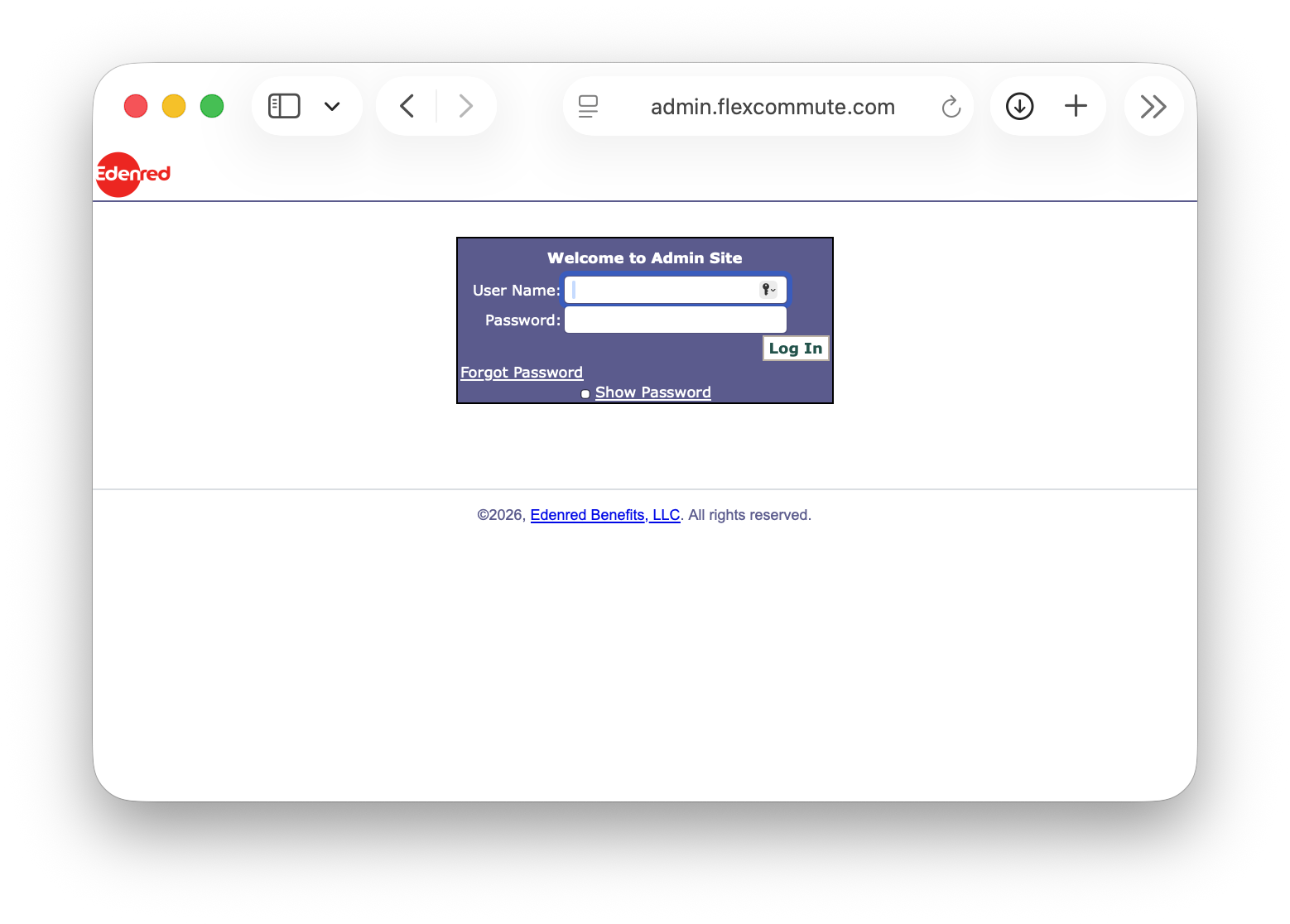
Sign in to the Edenred+ employer portal with your existing administrator credentials.
-
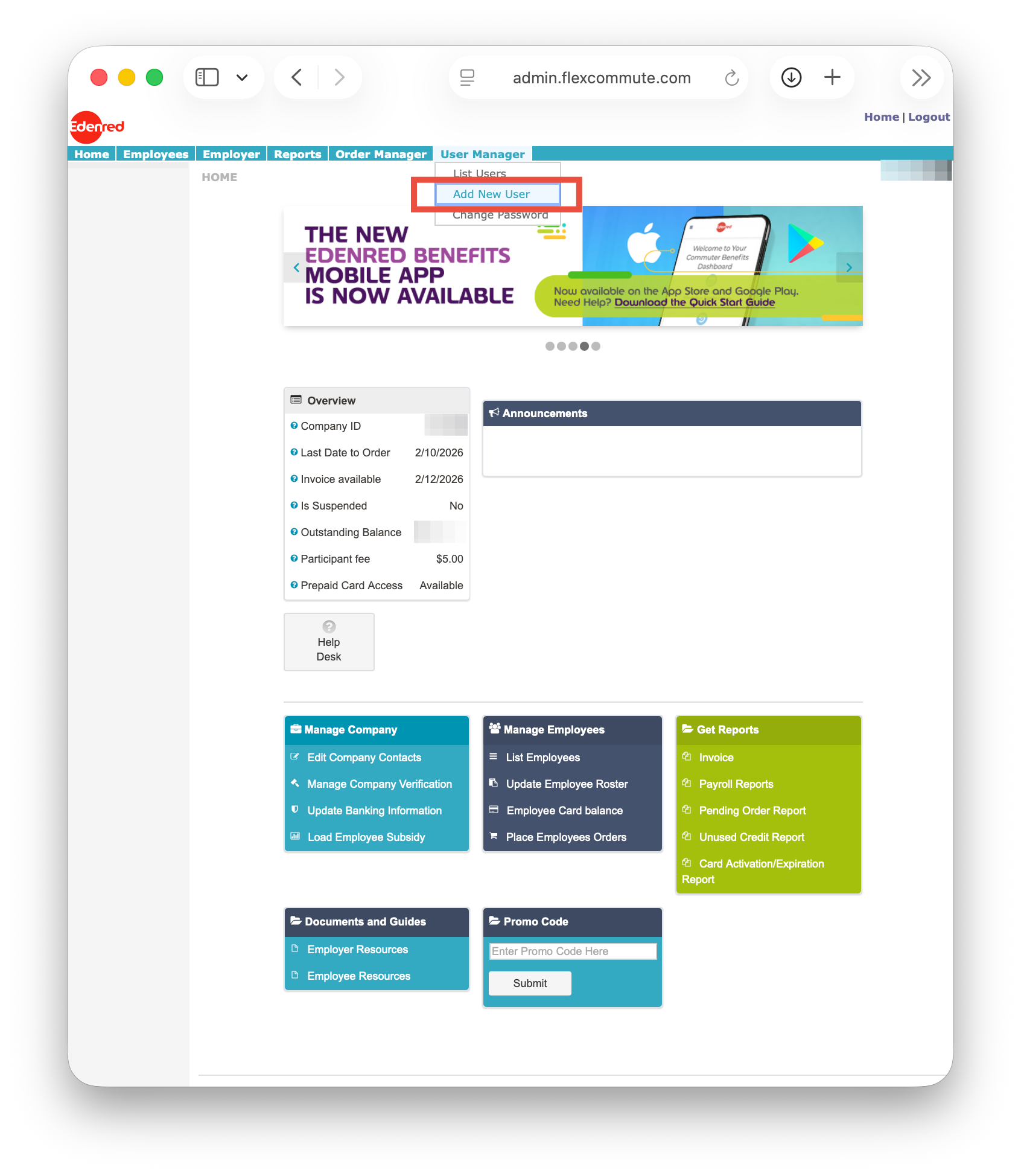
From the top navigation menu, select User Manager, then select Add New User from the drop-down menu.
- On the Manage User page, select Add user at the top right of the My users section.
- In the user creation form, enter the administrator details we send you (name, title, company, email, and phone). If you do not have them yet, email admin-support@thisisalice.com and we will send them.
- For the access level, select Manager (access to all features except adding new users).
- Save the user account. Edenred+ sends the new administrator an invitation email with a link to create a password and activate access.
- Track the invitation and activation status on the Manage User page.
Need help?
Email admin-support@thisisalice.com or call (929) 552-4625.
Trademarks, brands, and product names referenced in this article are the property of their respective owners. References are for descriptive purposes only and do not imply endorsement. For definitive information about a third party's products or services, contact that party directly.